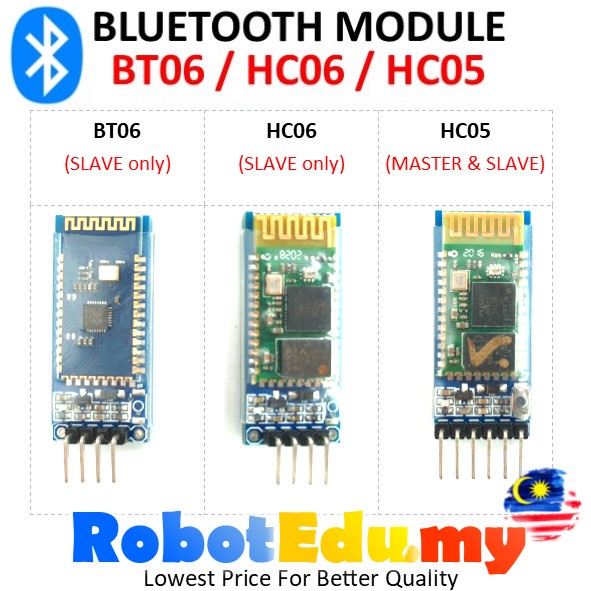
BT06 HC06 HC05 Wireless RF Data Transfer Bluetooth Serial Port TX RX Module BT-06 HC-06 HC-05 Robotics PIC for Arduino
has variants
Computers & Accessories › Network Components › Others
id 771814857first seen 27 Apr 2026, 01:30 pmlast seen 3h agodetail 1d ago
Latest sold
5,000
3h ago
Latest price
RM9.90
Rating
5.00 ★
Variants
3
Sold count history
last 90 daysPrice range history
last 90 daysVariants
3 active| Variant | Price | Δ | Stock | First seen | Updated |
|---|---|---|---|---|---|
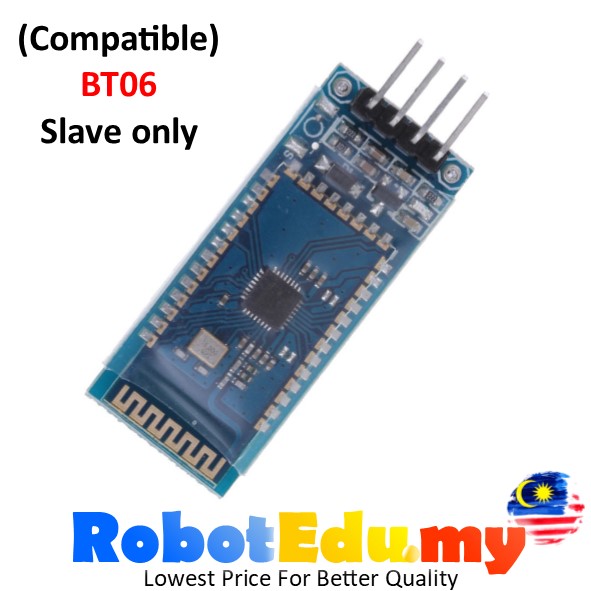 BT06 | RM9.90 | — | — | 1d ago | 1d ago |
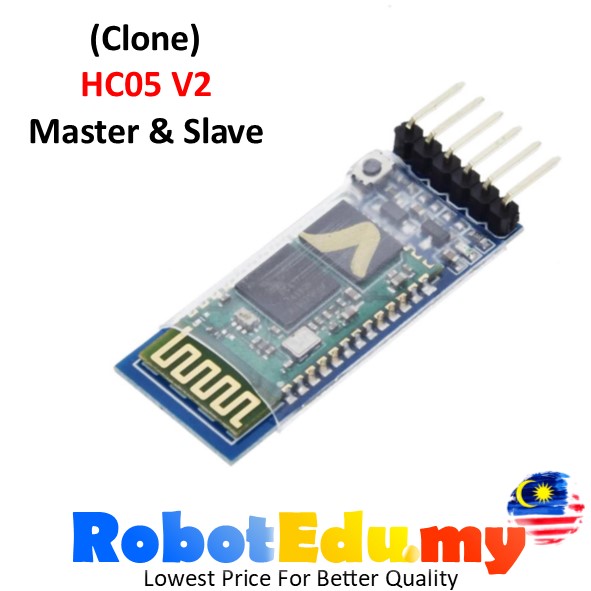 HC05 | RM14.90 | — | — | 1d ago | 1d ago |
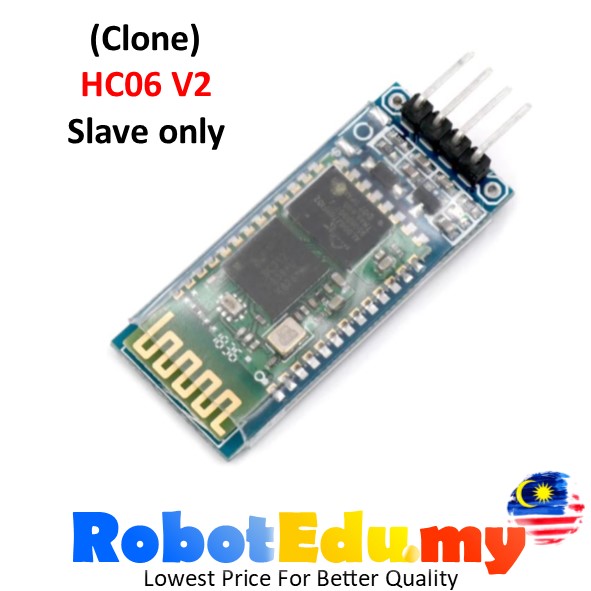 HC06 | RM14.90 | — | — | 1d ago | 1d ago |
Variant price history
last 365 days · sampled by weeklyscan:fullBT06HC05HC06
Description
Specification :
Model : BT06 / HC06 / HC05 (Choose in option)
Operating Voltage (VCC) : 3.6-6V (Suggested using Arduino 5V pin).
Communication Method : Serial Communication
Transmission Distance Range : ~10M+- (Open Space)
On board PCB Antenna
Size: 3.57 x1.52cm
Support standard baud rate: 4800bps~1382400bps
Default password : 1234 / 0000
Default baud rate : 9600
BT06 / HC06  : Slave mode only.
HC05 : Slave & Master mode can be switched.

Notice:
(This bluetooth module HC06 & HC05 only support few AT COMMAND.)
AT COMMAND :
AT+NAME=SAMPLE (Function : set name to SAMPLE)
AT+ADDR (Function : check default address)
AT+VERSION  (Function : check version)
AT+BAUD4 (choose 1-9 to change baud rate, default is 4(9600baud rate))
1 set to 1200bps
2 set to 2400bps
3 set to 4800bps
4 set to 9600bps (Default)
5 set to 19200bps
6 set to 38400bps
7 set to 57600bps
8 set to 115200bps

Not support AT=OK or change password etc.
_______________________________________________________________________________
Test Code Sample :

#include <SoftwareSerial.h>
SoftwareSerial mySerial (2,3);
void setup () {
    mySerial.begin(9600);
    Serial.begin(9600);
    Serial.println("Enter AT commands:");
}
void loop() {
    while (mySerial.available()) {
        Serial.write(mySerial.read());
    }
    while (Serial.available()) {
        mySerial.write(Serial.read());
    }
}
_______________________________________________________________________________
Basic Tips :
TX(transmitter) pin usually connect RX pin.
RX(receiver) pin usually connect TX pin
When upload coding to Arduino board, you cannot connect the TX & RX pin to bluetooth module.
Remove the wiring 1st before upload coding, after done upload. Then only connect the wiring.

5V = VCC
GND =GND
2 = TX
3 = RX
EN = 5V(Enable AT MODE)(For HC05 Model only)


Tutorial & Reference Link :
https://electronnicproject.blogspot.com/2018/02/arduino-nano-connecting-by-bluetooth.html
https://www.instructables.com/Tutorial-Using-HC06-Bluetooth-to-Serial-Wireless-U-1/
https://www.aranacorp.com/en/arduino-and-bluetooth-module-hc-06/